No products in the cart.
YOU MAY ALSO LIKE






Free





Free

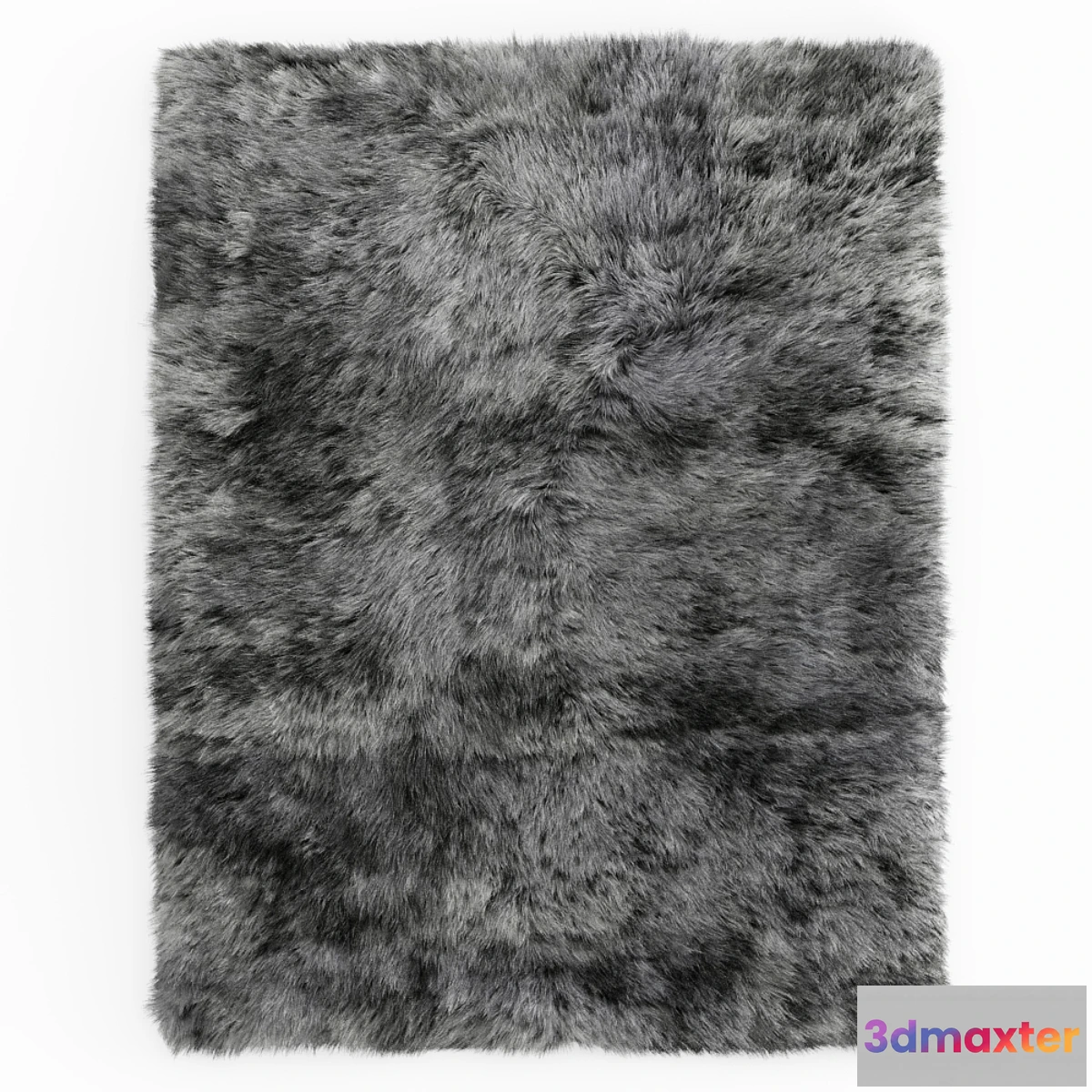
Rendered in 3ds Max 2013. V-Ray 2.40.03 but saved in Max 2010. The scene contains two objects a carpet and splines (spline_hair). In the settings for hair and fur you need to open the scroll of tools and activate the inscription Recomb From Splines and specify spline_hair and the wool will take the desired shape. In addition splines can be removed the amount of hair can be adjusted 500000 and a root thickness of 2 are set on this carpet for weak computers the amount of hair can be significantly reduced and the root thickness can be made for example 3-5. People sometimes complain that models with wool do not open to scale I hope Recomb From Splines will solve this problem. Who will have a similar situation write what happened. File formats obj fbx without wool. Shaggy gray sheepskin rug. Before rendering go to the Rendering – Effects tab click on Hair and Fur and select mr prim mode below. If there are problems with rendering fur write to me. I will try to help you. Size: 536×417 cm. System units mm.
Free
Please verify you are human to get the download link.




Reviews
There are no reviews yet.